CKA Practice Task 10
Objective
Create a ServiceAccount named lab1510access that has permissions to create:
- Pods
- Deployments
- DaemonSets
- StatefulSets
Use a Role named role1510 in namespace access.
Create a pod named lab1510pod using the BusyBox image, running the command:
sleep infinity
The pod must use the ServiceAccount.
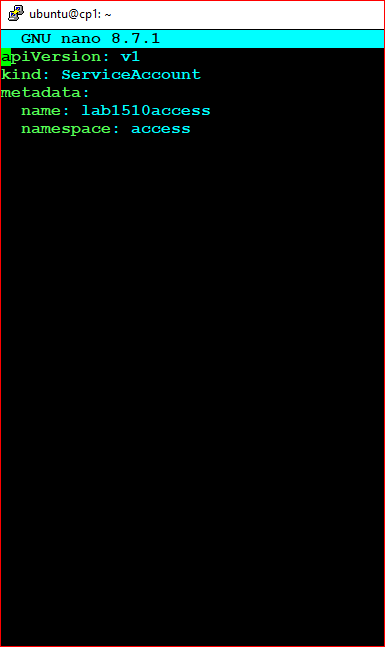
Step 1 - Create the ServiceAccount
        apiVersion: v1
        kind: ServiceAccount
        metadata:
          name: lab1510access
          namespace: access
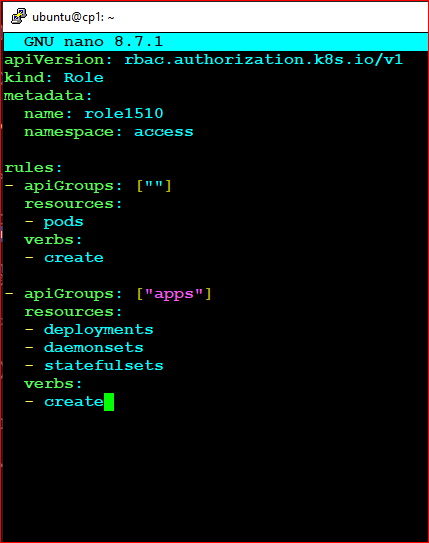
Step 2 - Create the Role
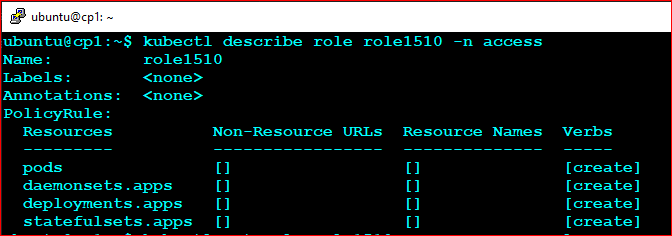
The Role grants create permissions on Pods, Deployments, DaemonSets, and StatefulSets.
apiVersion: rbac.authorization.k8s.io/v1
kind: Role
metadata:
  name: role1510
  namespace: access

rules:
- apiGroups: [""]
  resources:
  - pods
  verbs:
  - create

- apiGroups: ["apps"]
  resources:
  - deployments
  - daemonsets
  - statefulsets
  verbs:
  - create
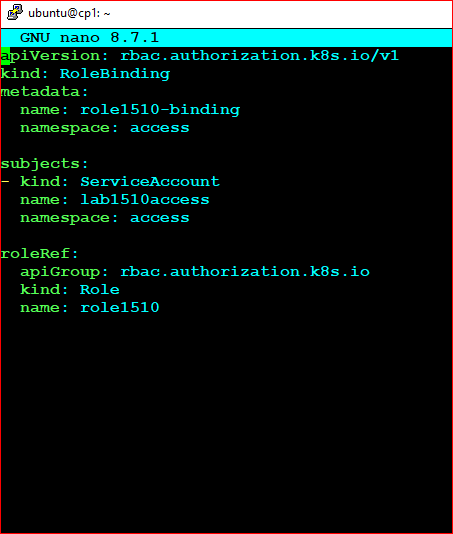
Step 3 - Create the RoleBinding
Bind the Role to the ServiceAccount.
        apiVersion: rbac.authorization.k8s.io/v1
        kind: RoleBinding
        metadata:
          name: role1510-binding
          namespace: access

        subjects:
        - kind: ServiceAccount
          name: lab1510access
          namespace: access

        roleRef:
          apiGroup: rbac.authorization.k8s.io
          kind: Role
          name: role1510
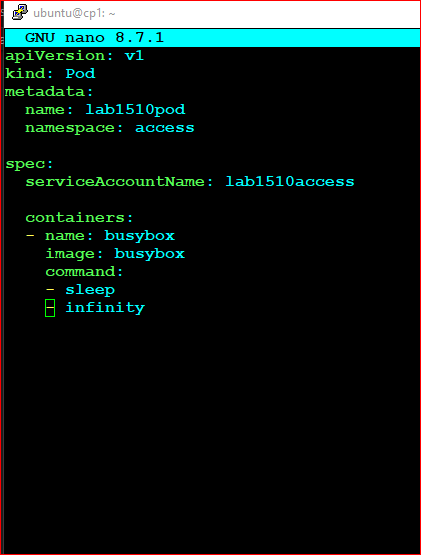
Step 4 - Create the Pod
        apiVersion: v1
        kind: Pod
        metadata:
          name: lab1510pod
          namespace: access

        spec:
          serviceAccountName: lab1510access

          containers:
          - name: busybox
            image: busybox
            command:
            - sleep
            - infinity
Apply the Configuration
kubectl apply -f lab1510.yaml
Verification Commands
check access
kubectl describe pod lab1510pod -n access
Check ServiceAccount
kubectl get sa -n access
Check Role
        kubectl get role -n access
        kubectl describe role role1510 -n access
Check RoleBinding
kubectl get rolebinding -n access
Check Pod
        kubectl get pods -n access
        kubectl describe pod lab1510pod -n access
Verify ServiceAccount Usage
kubectl get pod lab1510pod -n access -o yaml | grep serviceAccountName
Expected:
serviceAccountName: lab1510access
RBAC Validation Commands
        kubectl auth can-i create pods \
        --as=system:serviceaccount:access:lab1510access \
        -n access

        kubectl auth can-i create deployments.apps \
        --as=system:serviceaccount:access:lab1510access \
        -n access

        kubectl auth can-i create daemonsets.apps \
        --as=system:serviceaccount:access:lab1510access \
        -n access

        kubectl auth can-i create statefulsets.apps \
        --as=system:serviceaccount:access:lab1510access \
        -n access
All commands should return:
yes
Exam Day Quick Checklist
- ✅ Create ServiceAccount
- ✅ Create Role
- ✅ Create RoleBinding
- ✅ Create Pod
- ✅ Set serviceAccountName correctly
- ✅ Verify pod is running
- ✅ Verify RBAC permissions using can-i
CKA Tip:
A common exam mistake is forgetting the RoleBinding. The ServiceAccount and Role may both exist, but permissions will not work until they are linked by a RoleBinding.
Who? → ServiceAccount
Can Do? → Role
Connect? → RoleBinding
Use It? → serviceAccountName