Step 1 - Create Namespace
kubectl create namespace limited
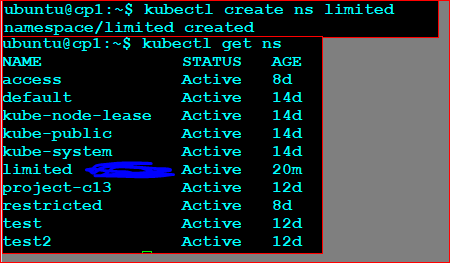
Create a namespace named limited and configure it so that:
kubectl create namespace limited
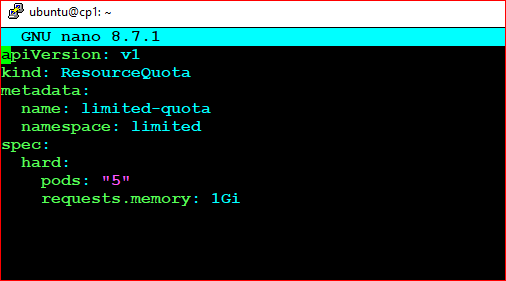
Create a file named quota.yaml.
    apiVersion: v1
    kind: ResourceQuota
    metadata:
      name: limited-quota
      namespace: limited
    spec:
      hard:
        pods: "5"
        requests.memory: 1Gi
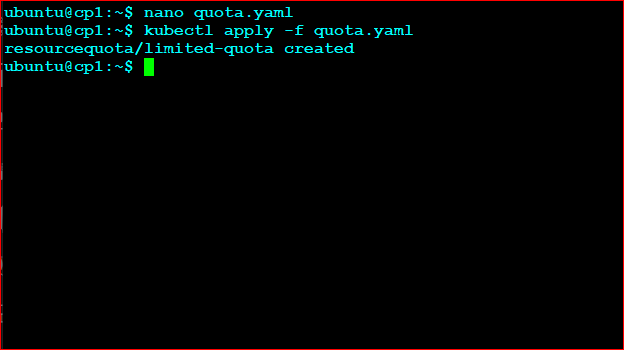
Apply the configuration:
kubectl apply -f quota.yaml
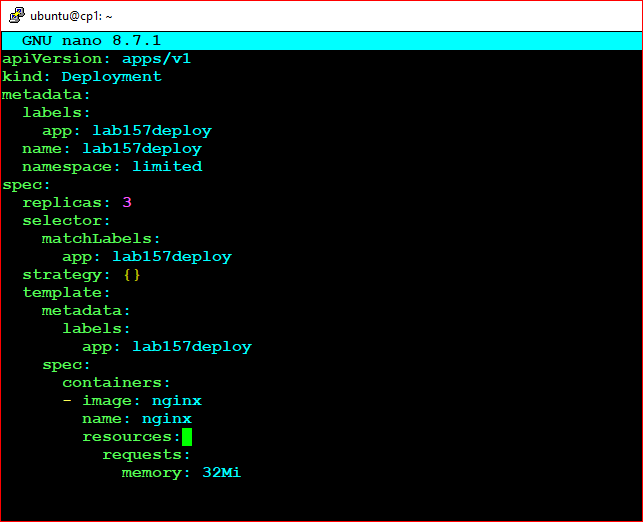
Create a file named deploy.yaml.
    apiVersion: apps/v1
    kind: Deployment
    metadata:
      name: lab157deploy
      namespace: limited
    spec:
      replicas: 3
      selector:
        matchLabels:
          app: lab157deploy
      template:
        metadata:
          labels:
            app: lab157deploy
        spec:
          containers:
          - name: nginx
            image: nginx
            resources:
              requests:
                memory: "32Mi"
Apply the Deployment:
kubectl apply -f deploy.yaml
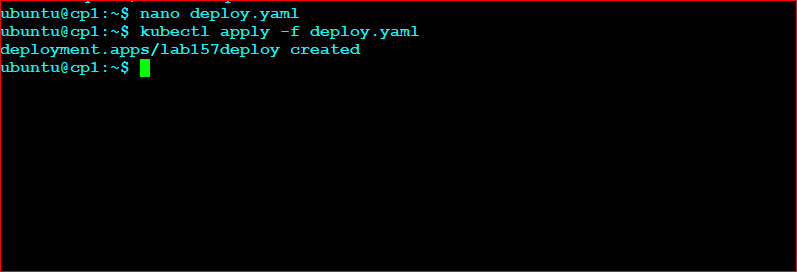
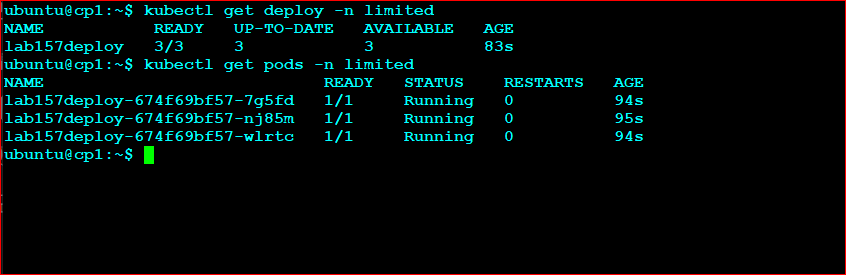
    kubectl get deploy -n limited

    kubectl get pods -n limited
You should see three running Pods.
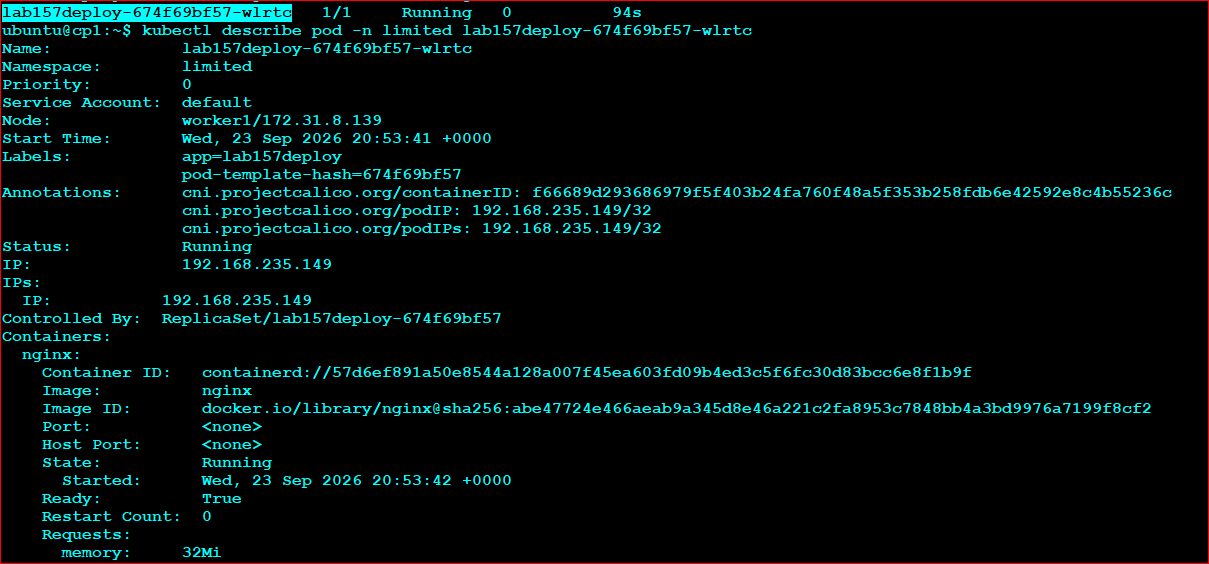
kubectl describe pod -n limited POD_NAME
Look for:
    Requests:
      memory: 32Mi
kubectl describe resourcequota limited-quota -n limited
Expected output:
    Resource            Used     Hard
    --------            ----     ----
    pods                3        5
    requests.memory     96Mi     1Gi

Add your own troubleshooting notes and observations here: